





New Libro.fm Features for Booksellers
New Libro Features for Booksellers
Lee Hooyboer, Senior Manager of Bookseller Partnerships, Libro.fm
Hello bookselling friends!
I just had the privilege of traveling around to some of the regional fall trade shows to present education sessions on maximizing your store’s Libro.fm revenue stream, where I was able show off some incredible new features our team has been rolling out to ensure your Libro.fm storefront better captures your bookstore’s unique in-store experience. Click here to view the CALIBA session.
Every bookstore is defined by three pillars: the experience of walking through the space, the curation of inventory on the shelves, and the booksellers putting the right book in the right person’s hand at the right time. We want your Libro.fm storefront to reflect those three things, so the Libro team has been hard at work on new storefront features that make our website and apps feel more like an extension of your store.
Your shop, front and center
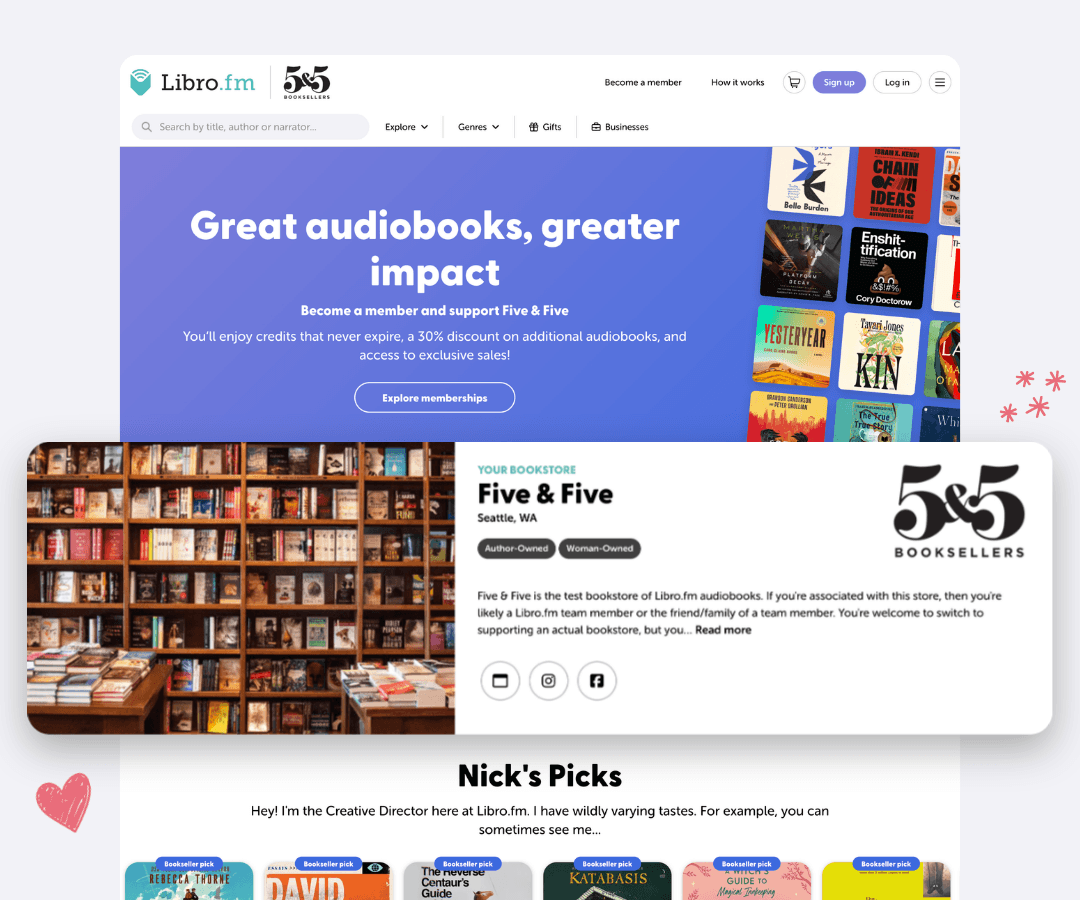
Until recently, customers had to click through to an About page to learn anything about the store they were supporting. Now your store’s photo, name, and description greet customers when they visit your page. We’re building a way for you to upload your store image and logo yourself, but until then you can email images to us and our designer will put the updates through. To customize the rest, check out our Customize Libro walkthrough in the Getting Started folder of our shared Google Drive.
Our goal is for your Libro.fm storefront to look like yours, not ours. The book covers in the top banner are dynamically generated based on bestsellers in your region, and the playlist blocks below have been redesigned to better highlight your store’s curation.
Playlists by every bookseller
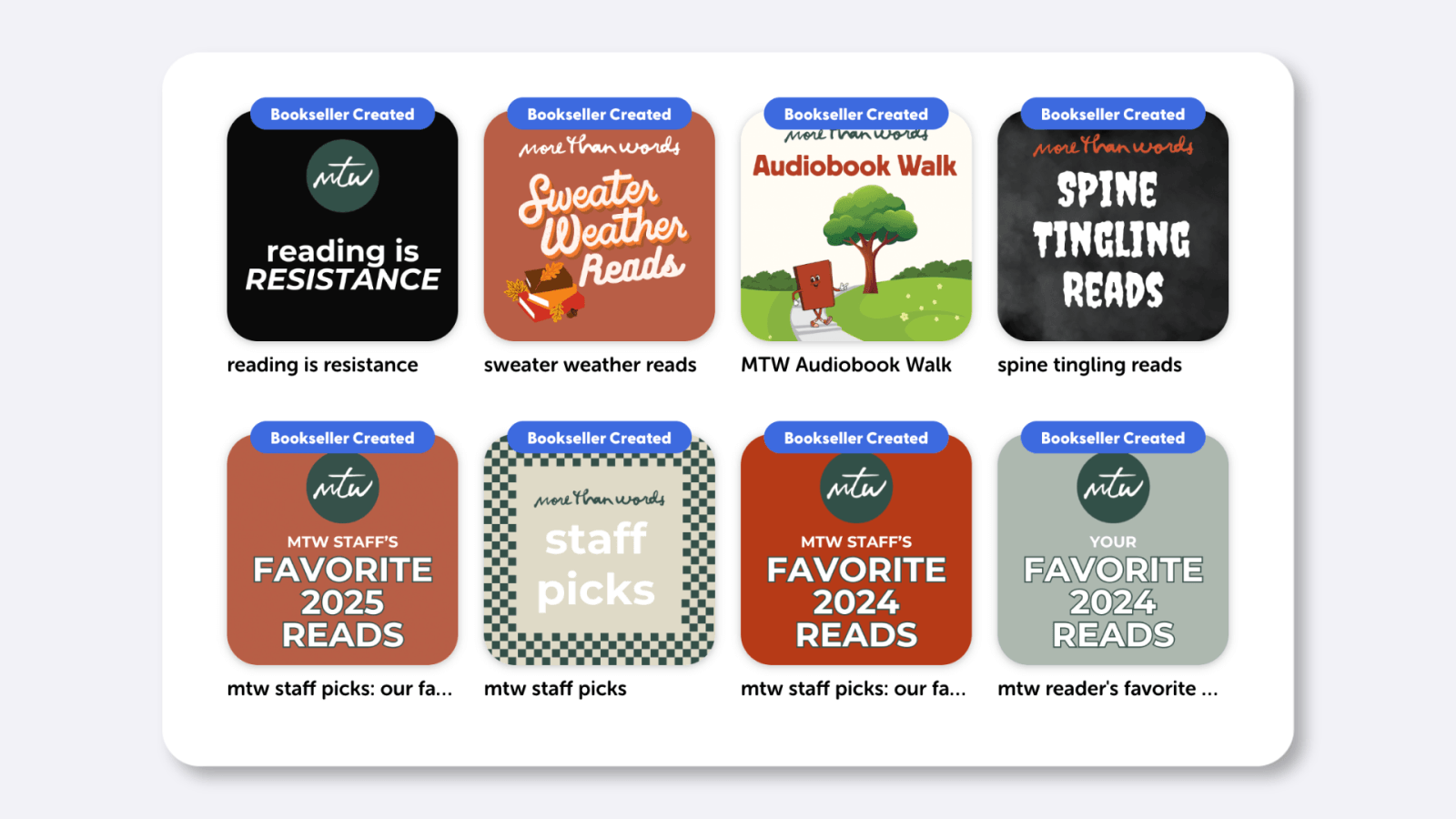
Think of playlists like your digital display tables. When I was a manager, building one meant running around collecting picks from everyone on staff, and the work always landed on the admin. Now any bookseller can build and publish a playlist. Admins receive an email with a link each time a new playlist goes live on their storefront, and they can move anything back to draft if it needs a second look.
A good display combines inventory curation and visual merchandising, so we’re rolling out new features to make sure your playlists look great. You’ll soon have the ability to upload custom playlist covers yourself, without needing to email the Libro team. And if you don’t have time to make a new image for every playlist, we’re rolling out new default playlist cover images that automatically populate with a collage of the books inside to make sure your playlists look great without you needing to do extra work.
Playlists are a fantastic way to easily translate the curation you already do on your endcaps into your digital Libro storefront. Stores use playlists to track book club selections, staff picks, and the titles on a given in-store display. Print a QR code for the playlist to include on your display signage so a customer who loves the display can take the whole list home.
That’s easier than ever with our new QR code generators, available in the Bookseller Tools menu that lives on the bottom right corner of the Libro.fm website. You can create codes for a playlist or a single book, and each QR code routes the sale directly to your store. Here’s a video walkthrough from our product team, demonstrating the new feature in all its glory.
The people behind the shelves
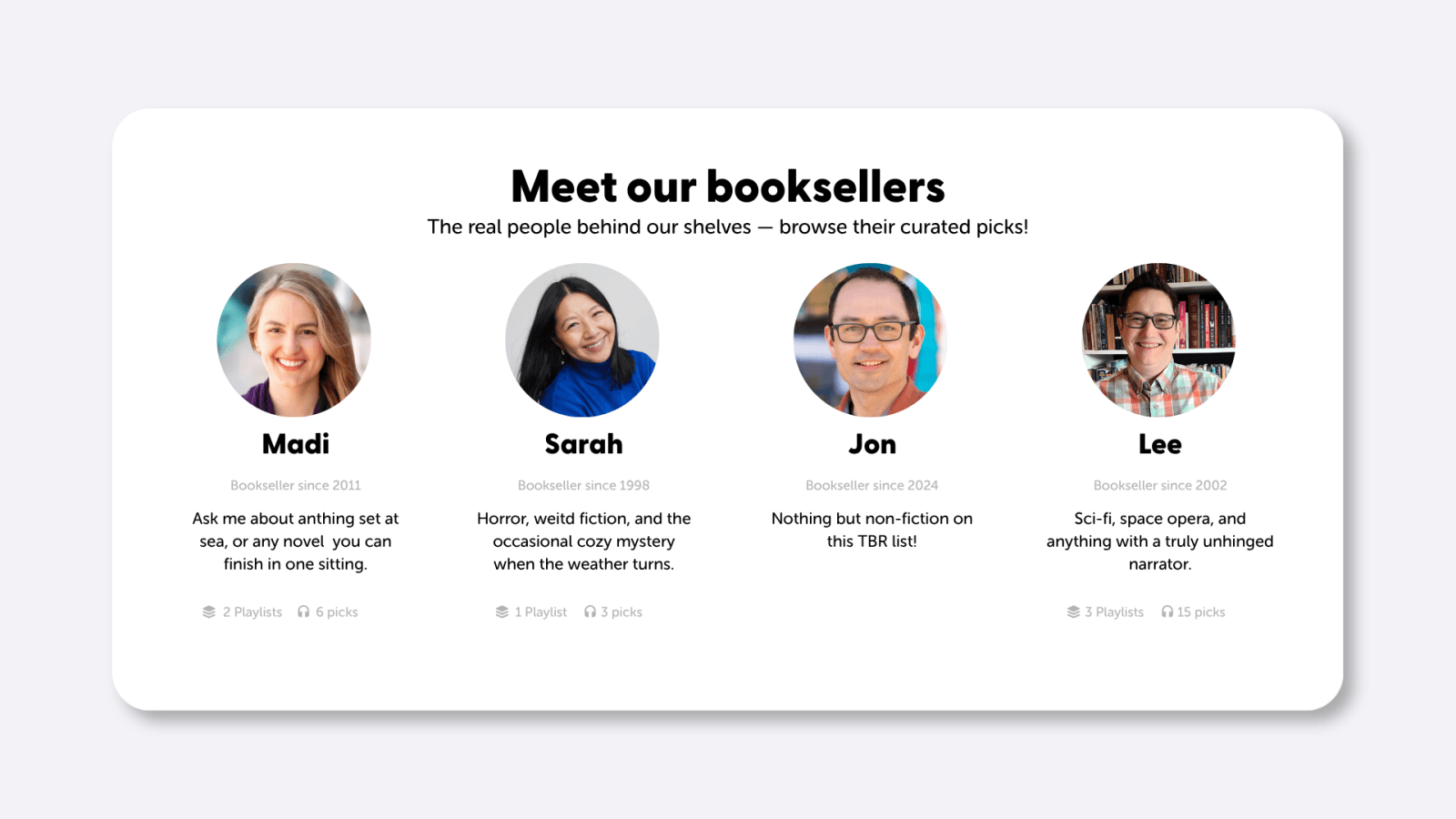
Bookseller profiles highlight the humans who make your bookstore what it is, with a photo, a name, a short bio, and a “bookseller since” year. Booksellers fill in their own profiles, so managers don’t need to chase down headshots. Nobody appears on your page until they’ve added something, and anyone who would rather skip the photo gets a cute Libro cat to hold their spot.
In the next few weeks, every bookseller will automatically get their own Staff Picks playlist. Each Bookseller Recommendation they submit will land there automatically. Right now, a profile is a face and a playlist, but our goal is a true showcase of each bookseller’s curation. Down the road, customers will be able to follow individual booksellers or bookstores, no matter which store they support. When readers get excited about booksellers everywhere, every bookstore benefits.
Walk through your front door
Some of the best advice I got as a bookseller was to walk through my own front door. I always came in through the back, straight into the receiving room and the boxes waiting there. Coming in the front helped me see the store the way a customer does and catch issues I wouldn’t have noticed otherwise.
Do the same thing with your digital storefront. Open your Libro.fm storefront page, look at it with a customer’s eyes, and spend five minutes making it feel like yours.
Then make sure every bookseller has their own account in the Bookseller Hub, since profiles and Staff Picks playlists start there.
P.S. Ebooks are coming! The bookseller beta launches very soon, and you can find all the details at libro.fm/ebooks.
Questions? Reach us at bookstores@libro.fm.
— Lee Hooyboer, Senior Manager of Bookseller Partnerships, Libro.fm