





Learn to Use Your Member Compass
Update your record and add staff members to your store
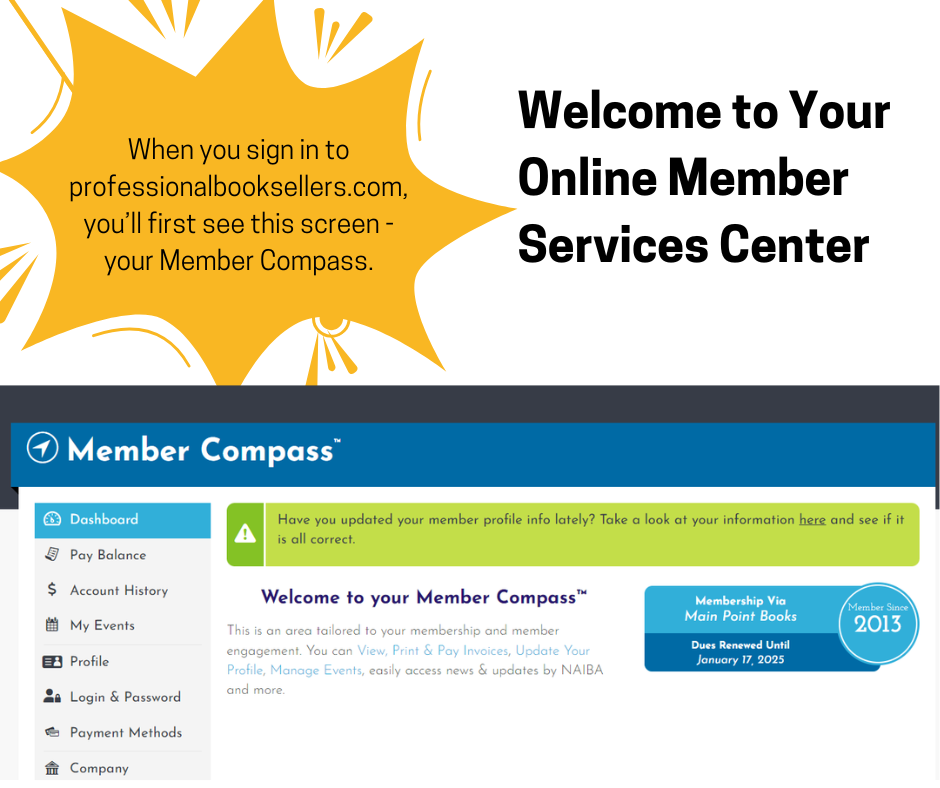
Your first stop will always be your Member Compass. This is the page you see when you sign in.
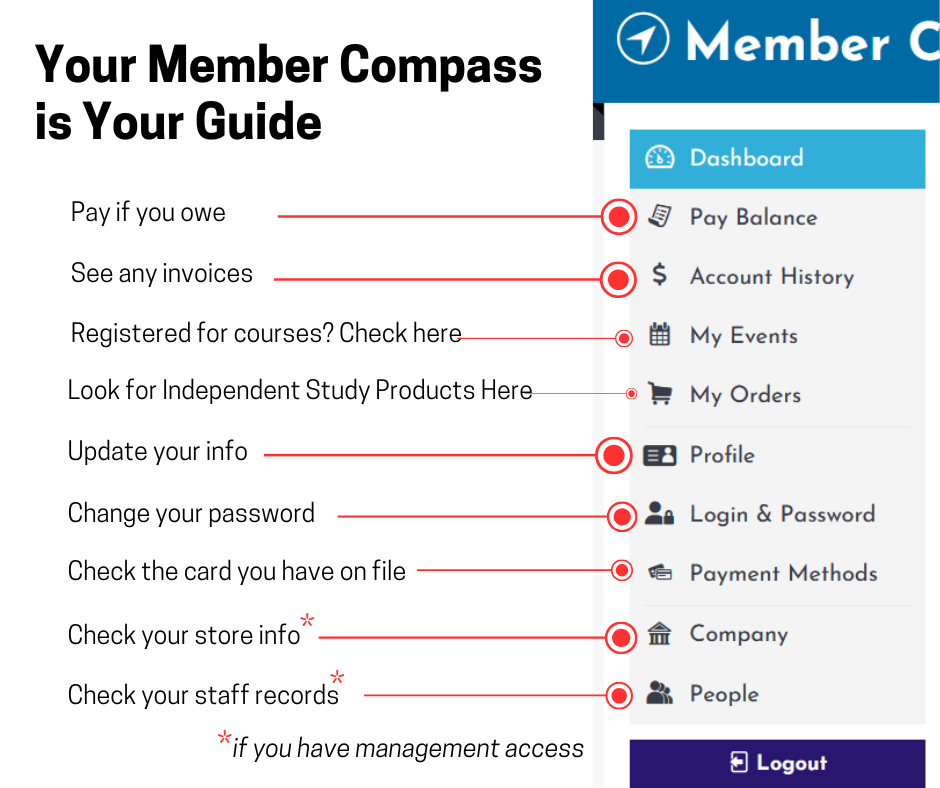
Here's a guide to all of the information available to you via your Member Compass. Live courses will show up as events, and Independent Study classes and courses will be under "My Orders."
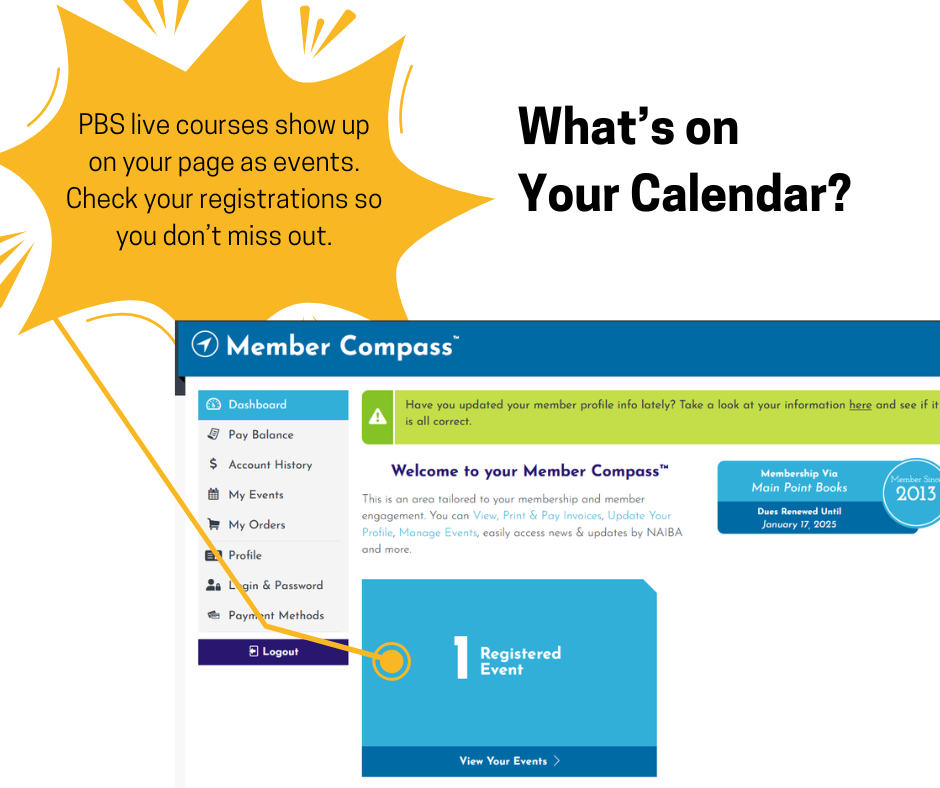
PBS's live courses show up as "Events" on your Member Compass. Check here for any upcoming courses, book clubs, or special events.
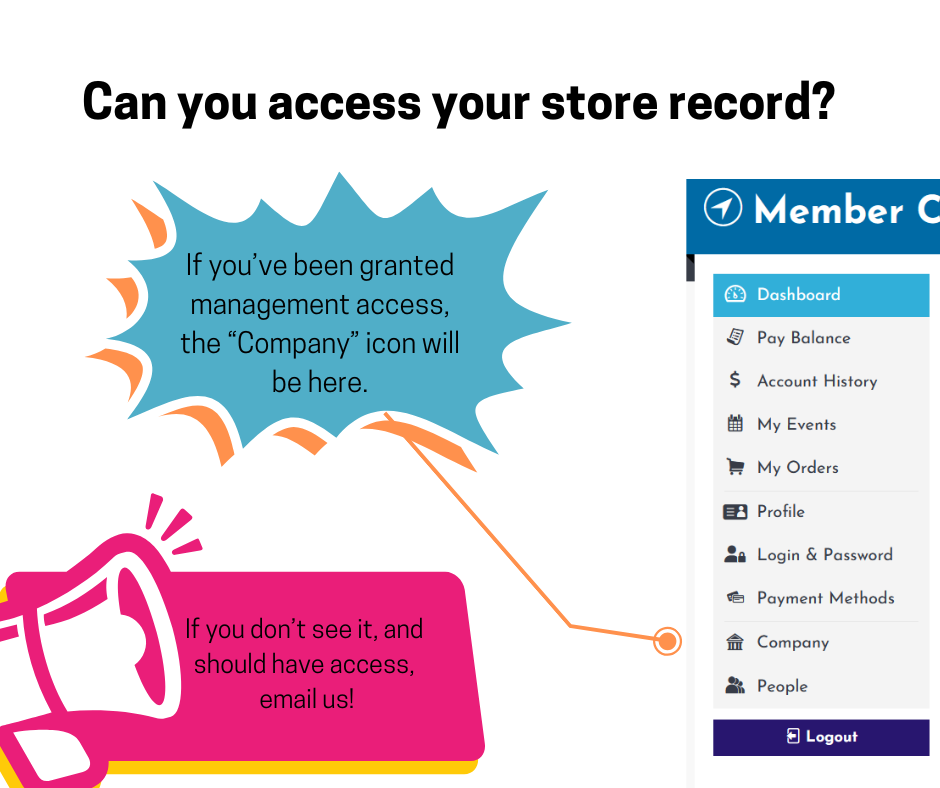
Store owners, or anyone in the store with management-level access, can add staff members to add them to course registrations or give them access to products the store has purchased. On your Member Compass, look for the "Company" icon. If you don't see it, e-mail us so we can update your record.
We love to know more about the bookstores we're serving - business model, Region, location, genres you carry, and more. We use this information to develop new courses and topics! Learn how to update information about your store.
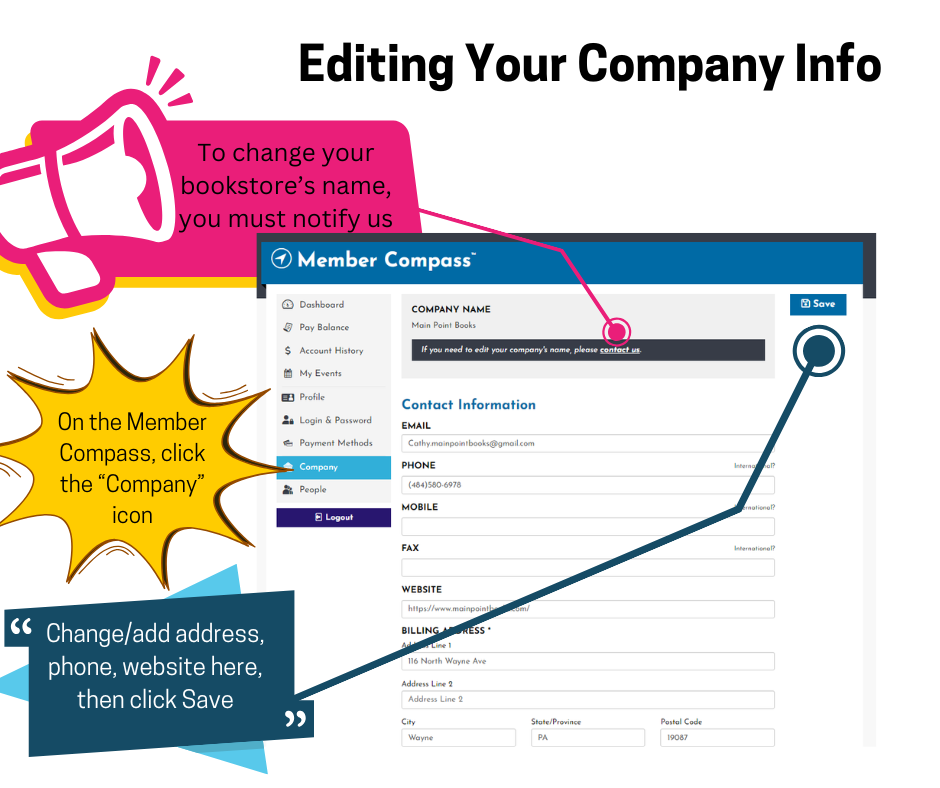
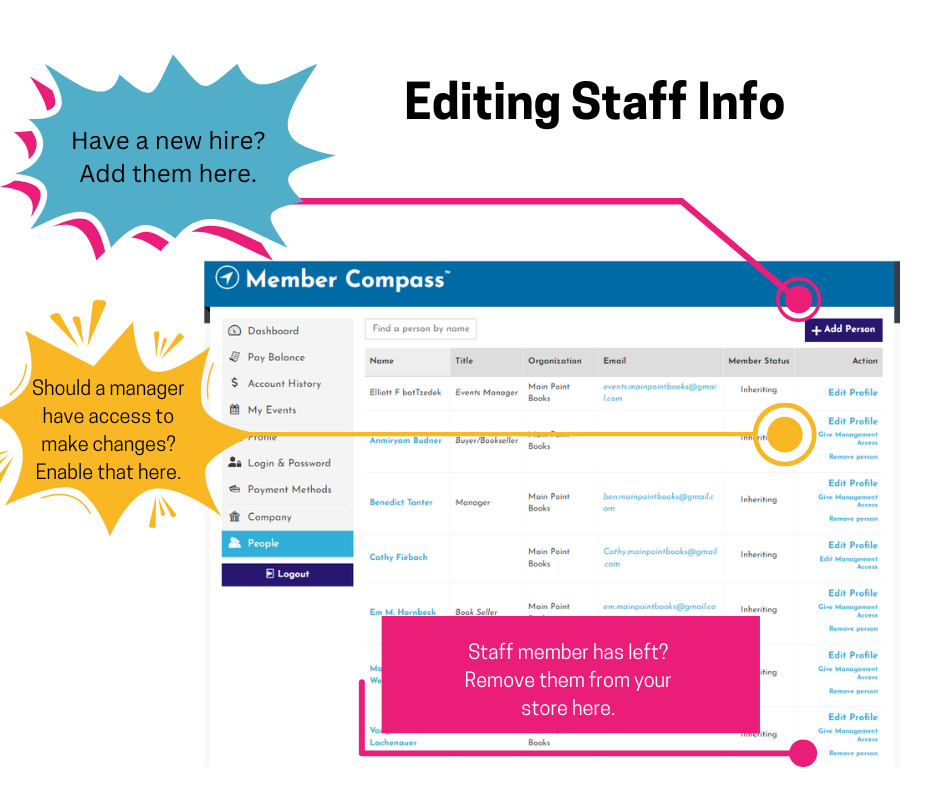
Make sure your store's staff members are in our database so they'll be ready to register for courses or access products the store has purchased. You can easily add or remove staff records, then invite staffers to sign in and update their personal information.
-
Donate to Support PBS

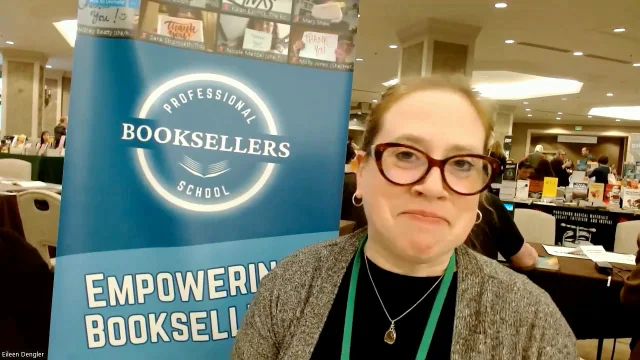

In her own words: Erin Chervenock of Village Books & Paper Dreams in Bellingham, WA discusses the power of PBS
Booksellers Say:
Audrey Beatty
River Bend Bookshop
The Basic Bookselling Certification Course is truly anything but "basic!" The material covered is comprehensive and the instructors were invaluable fountains of knowledge and experience. I've been a bookseller and shop manager for over three years--I both wished this course was available to me when I started AND I felt like I gained so much from the coursework even though I'm no longer brand new to the business! I couldn't recommend it more highly to anyone that is a frontline bookseller, regardless of the number of years under your belt.
Amani Jackson
The Ivy Bookshop
The Inventory Management class I took through PBS made me confident enough to take on a managerial role at my bookstore and introduced me to career booksellers from across the country. I hope more and more booksellers have the opportunity to take classes and open their minds to what a career in books can look like.